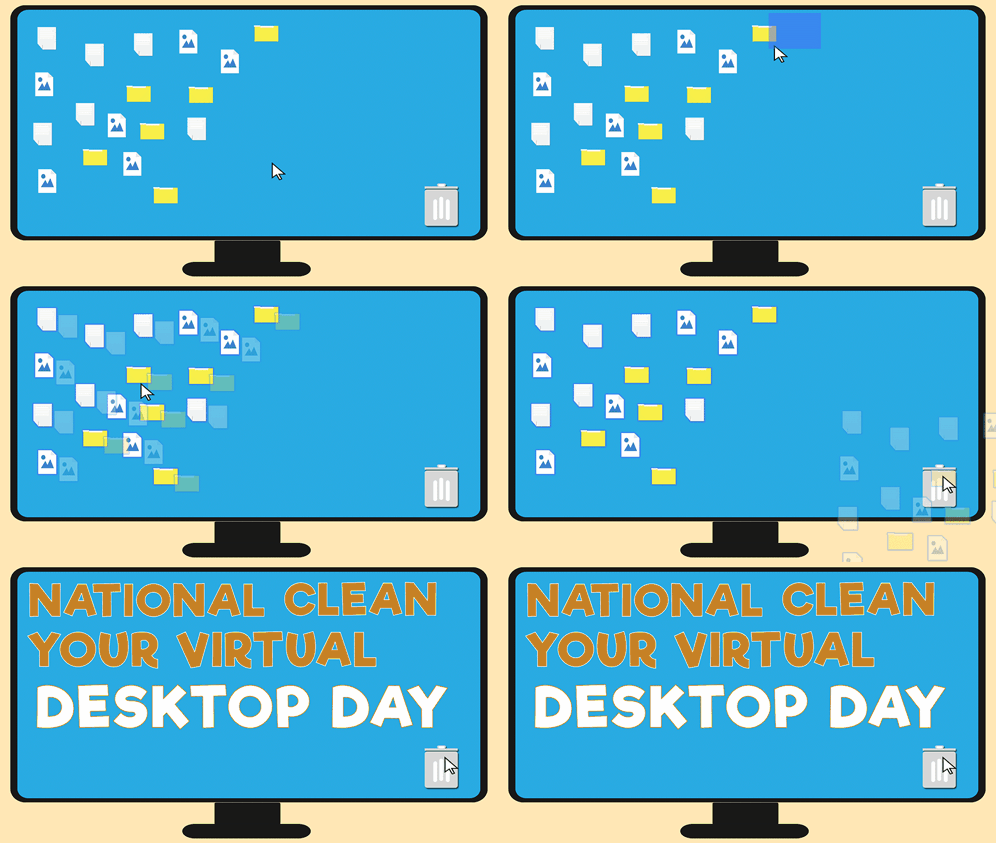
1. Organize Your Digital Files
- Create Folders: Organize files into well-structured folders for easy access.
- Use Descriptive Names: Name files clearly to make searching easier.
2. Streamline Your Email
- Unsubscribe: Regularly unsubscribe from newsletters and promotional emails you no longer read.
- Use Folders and Labels: Organize emails into folders or use labels to keep your inbox tidy.
3. Limit Social Media Use
- Choose Platforms Wisely: Focus on one or two platforms that matter most to you.
- Set Time Limits: Use screen time management tools to limit your social media usage.
4. Manage Passwords Effectively
- Use a Password Manager: This can help you create and store complex passwords securely.
- Enable Two-Factor Authentication: Add an extra layer of security to your accounts.
5. Prioritize Digital Minimalism
- Delete Unused Apps: Remove apps that you don’t use regularly to declutter your devices.
- Limit Notifications: Turn off non-essential notifications to reduce distractions.
6. Utilize Productivity Tools
- Task Management Apps: Use tools like Todoist or Trello to manage tasks and projects efficiently.
- Calendar Apps: Keep your schedule organized with digital calendars that sync across devices.
7. Backup Important Data
- Cloud Storage: Use services like Google Drive or Dropbox to back up important files.
- Regular Backups: Set a schedule for regular backups to avoid data loss.
8. Practice Mindful Browsing
- Limit Open Tabs: Keep only essential tabs open to reduce overwhelm.
- Use Reader Mode: For articles, use reader modes in browsers to minimize distractions.
9. Review and Adjust Regularly
- Monthly Check-ins: Take time each month to review your digital habits and make adjustments as needed.
- Set Goals: Establish clear goals for your online presence to stay focused.
By implementing these strategies, you can create a more organized and efficient digital life, making your online presence simpler and less overwhelming.

Leave a comment